
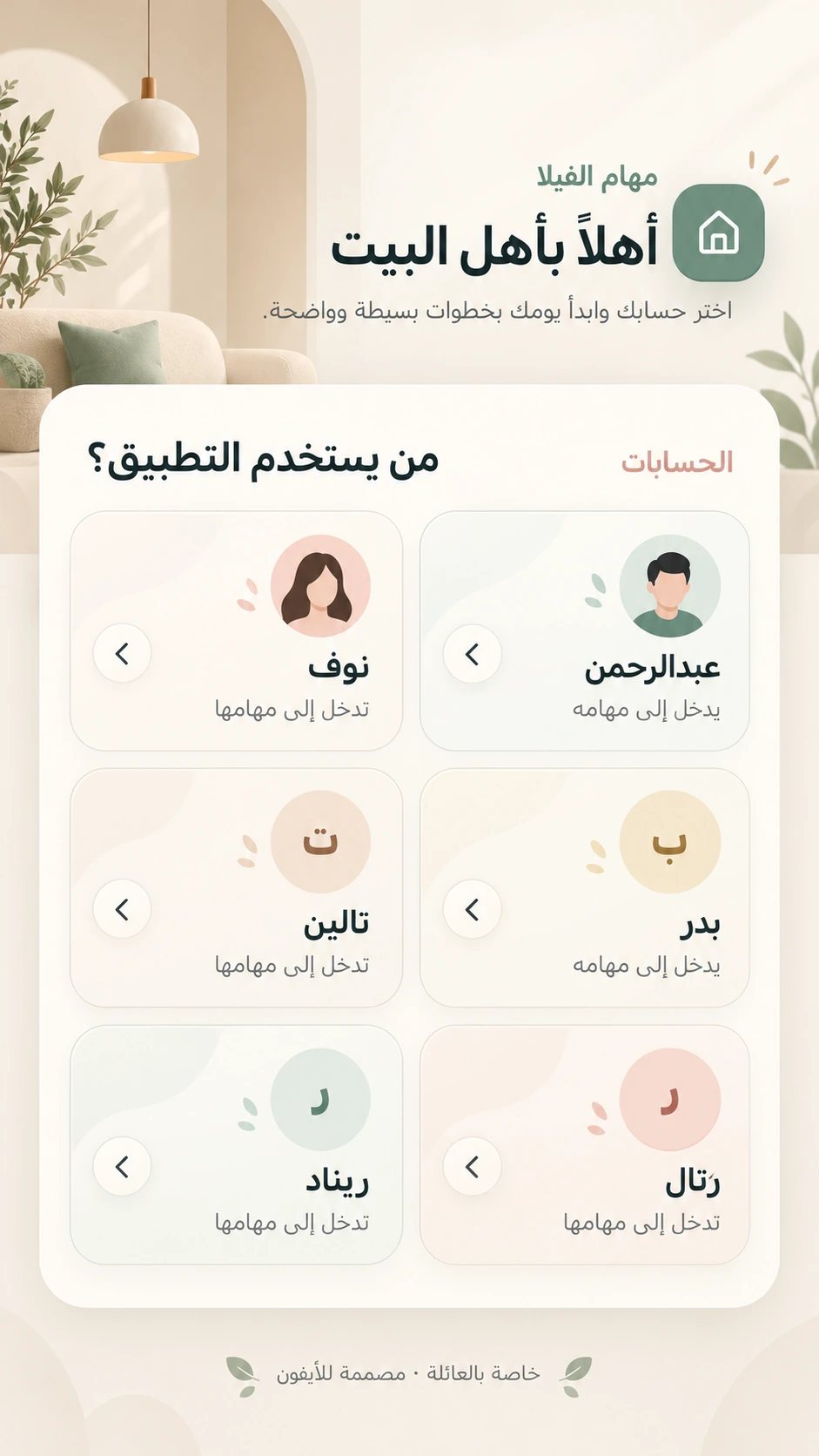
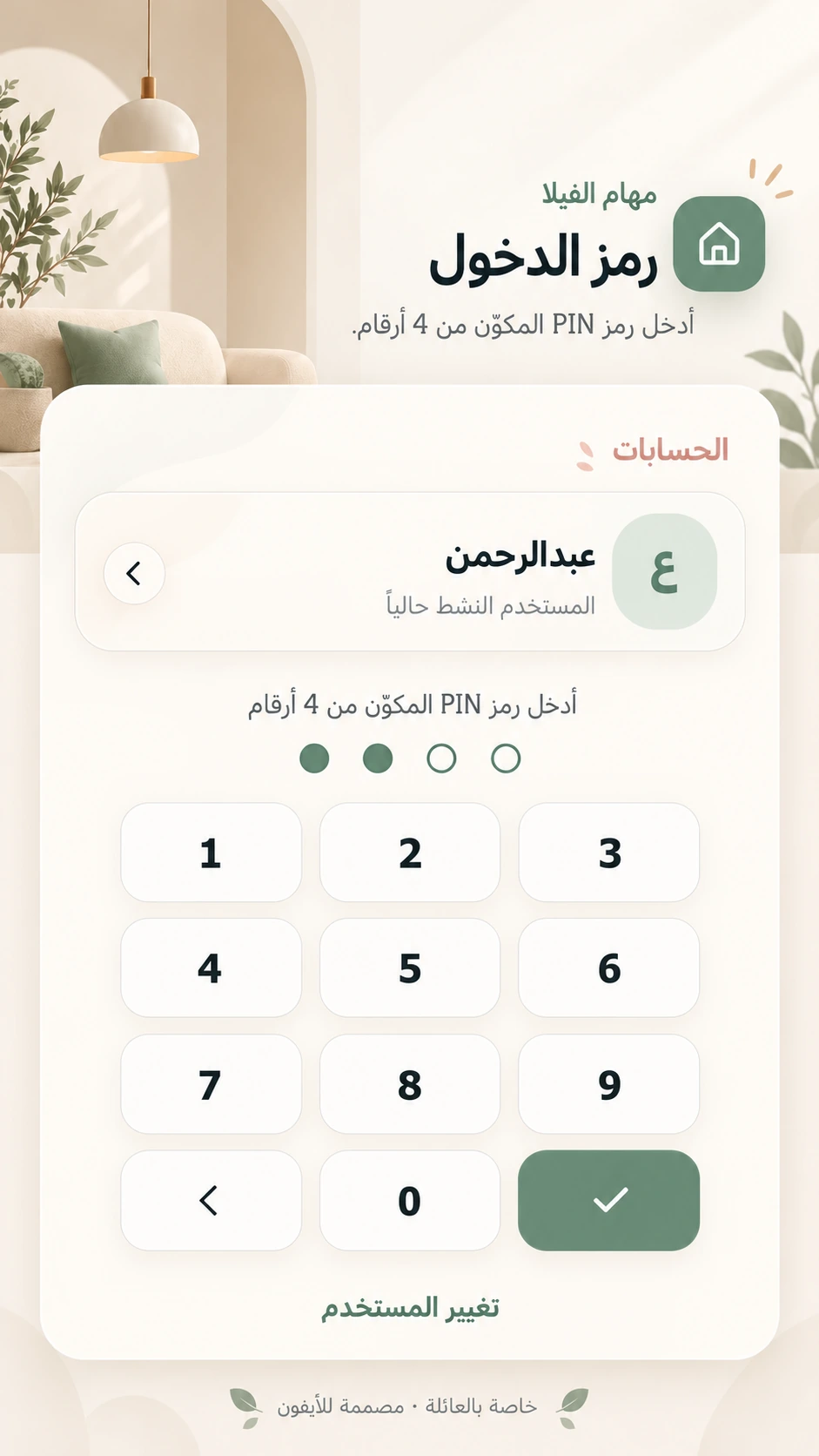
Individual accounts
Simple four-digit PIN access, with features appropriate to each family role.
Villa Tasks: a mobile web app for family responsibilities, photo submissions, approvals, points and rewards. Add it to your home screen and manage the day in one place.
Contact us to confirm suitability, delivery scope, customization and operating requirements before an agreement.
Enlarge image
PWA
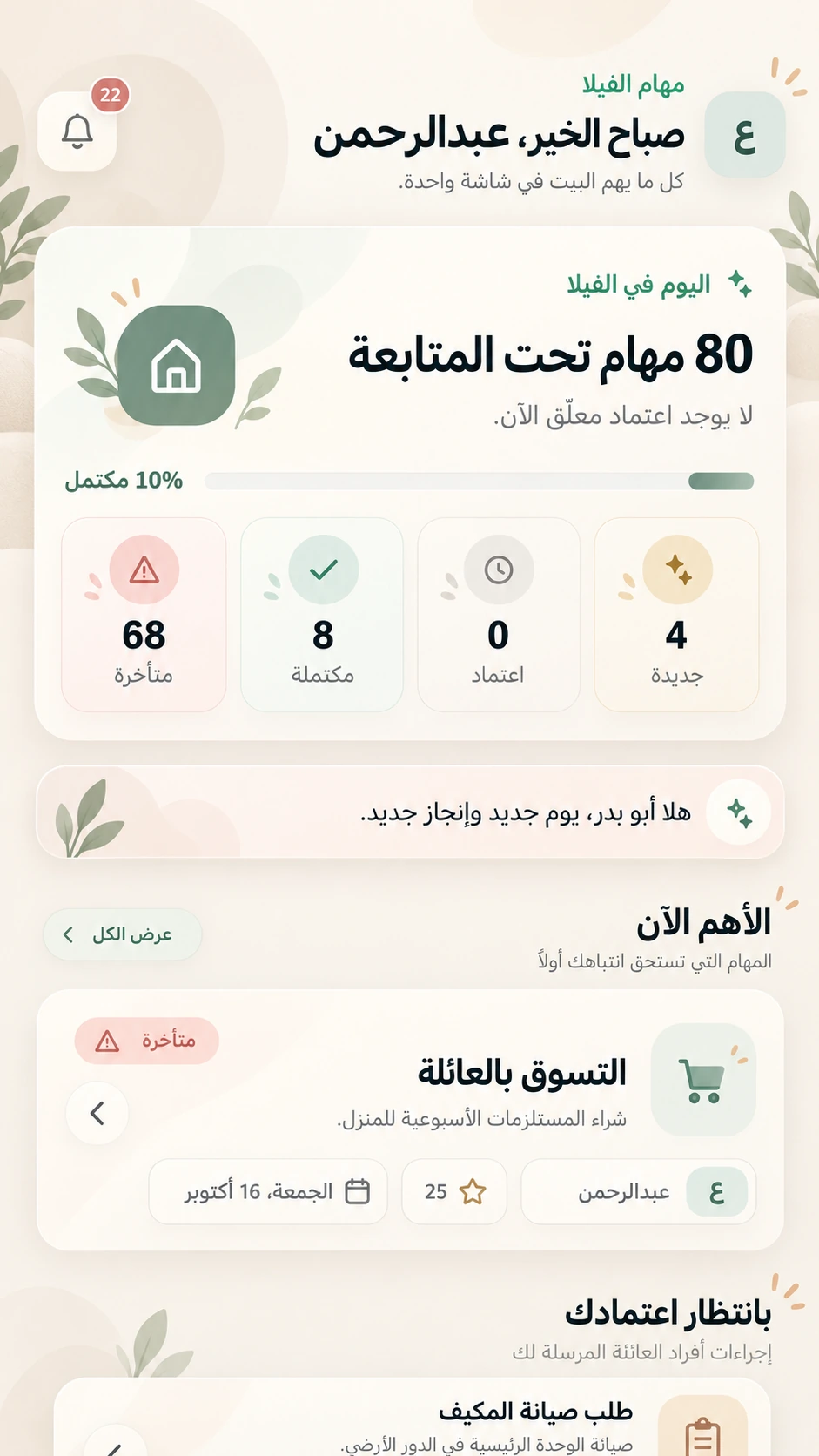
Add Villa Tasks to your home screen and open it directly from its icon. This PWA brings household responsibilities and progress into one family platform. Parents assign tasks, family members complete them and submit their work for review. Once approved, tasks earn points that contribute toward rewards. Its Arabic, mobile-friendly interface helps families replace scattered messages and repeated reminders with a clear daily routine.
Simple four-digit PIN access, with features appropriate to each family role.
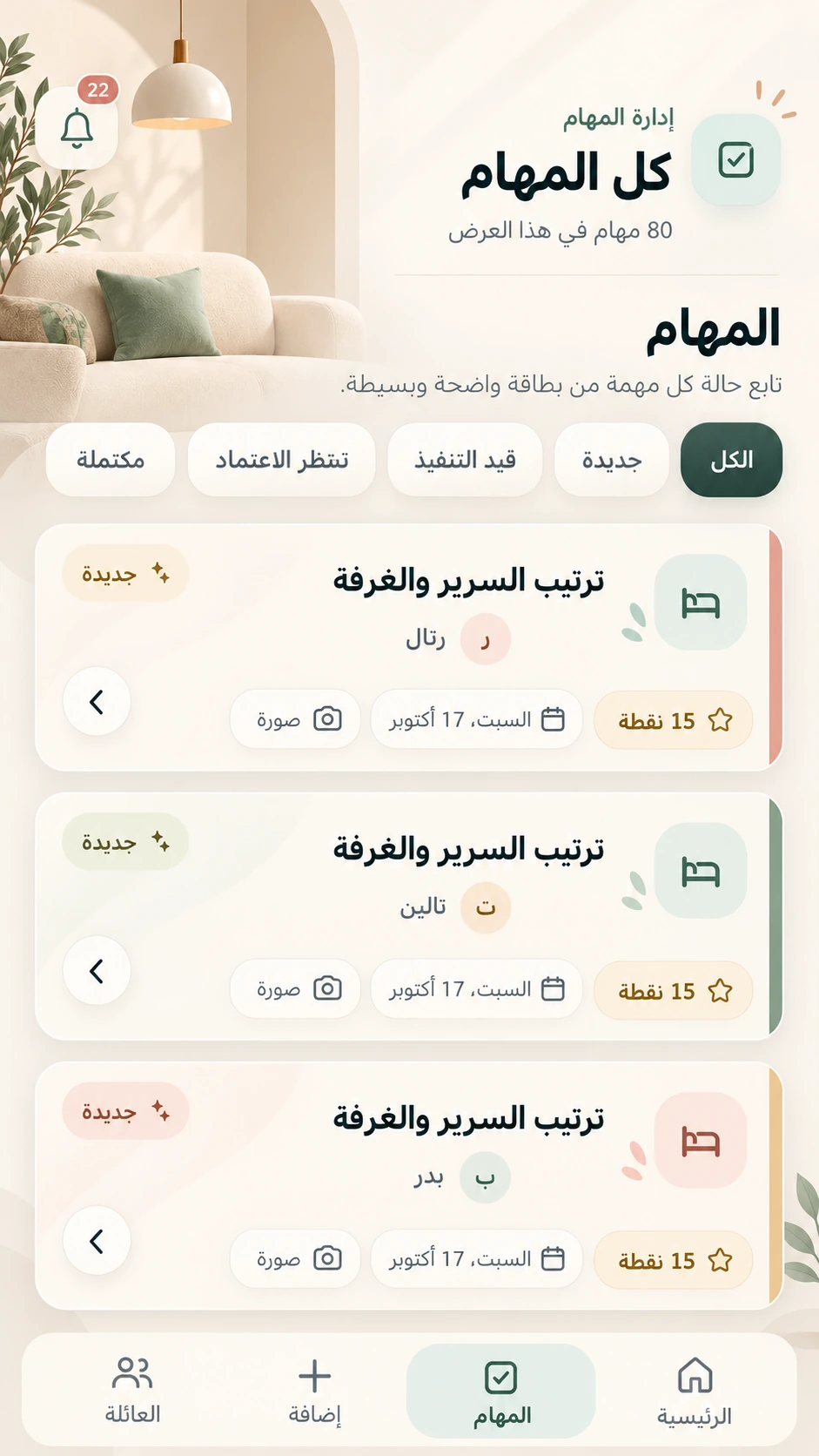
Create, assign and track tasks, including recurring household activities.
Attach a photo when submitting tasks that require visual evidence of completion.
Approve completed work or return it for changes. A parent’s own tasks are reviewed by the other parent.
Approved tasks earn points, with a personal balance and progress view.
Manage rewards and eligible members, review requests, deduct points and record delivery.
Follow events relating to tasks, reviews and rewards in a dedicated notification center.
Use a browser or add the PWA to the home screen for convenient daily access.
The platform organizes family responsibilities; it does not require smart-home devices or sensors.
Parents have management and review permissions. Family members complete assigned tasks and track their points and rewards.
Tasks can require photo evidence. The authorized parent reviews the submission and approves it or returns it for changes. Submission alone is not final approval.
Yes. Recurring tasks support regular household activities without manually creating each occurrence.
Points are earned after task approval. Members request eligible rewards, followed by review, approval, point deduction and delivery recording.
No. Use the platform in a mobile browser with an internet connection, or add it to the home screen as a PWA.
The software can be developed and customized with features, reports and integrations required by your organization. Share your requirements so we can assess them and agree on scope, cost and delivery time.
Request development or customization
Support & contact
Choose the best way to get in touch

You have an existing conversation. Continue it or start a new one?
Start a new conversation with this contextI’m the P6H Assistant. I can help you explore our services and products, discuss your project, and connect you with a specialist when needed.
Confirming the details does not verify email ownership or mean P6H has accepted the project.
All times are in Riyadh time
Confirming your project details does not verify email ownership. Verification is required before booking; no account is needed.