
Exam preparation
Enter course, subject and exam date information, and keep a draft to complete setup later.
A local solution for grading paper exams using a scanner and OMR, from answer-key preparation to score calculation and PDF results, with selective rescanning of incomplete sheets.
Contact us to confirm suitability, delivery scope, customization and operating requirements before an agreement.
Enlarge image
OMR
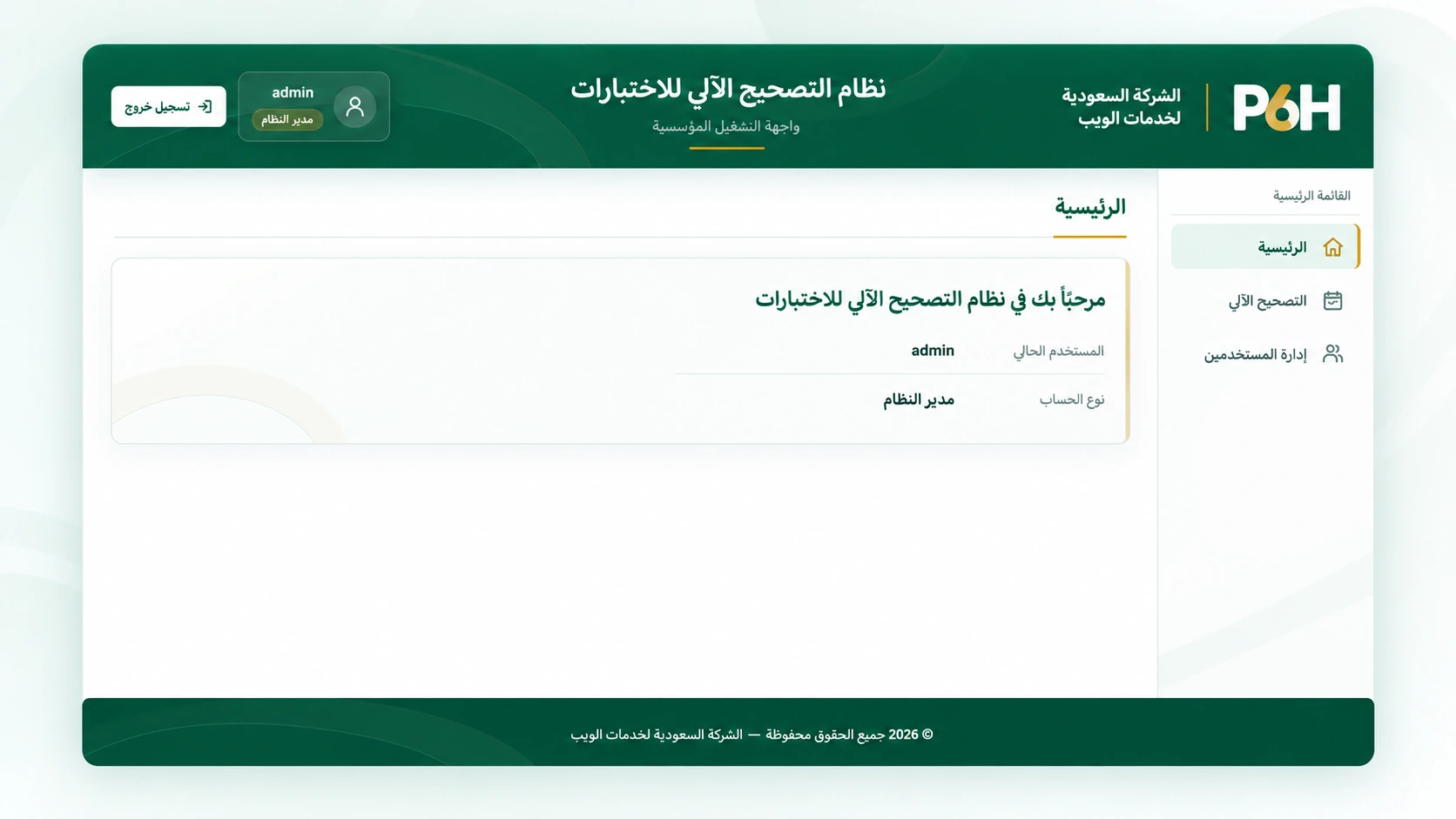
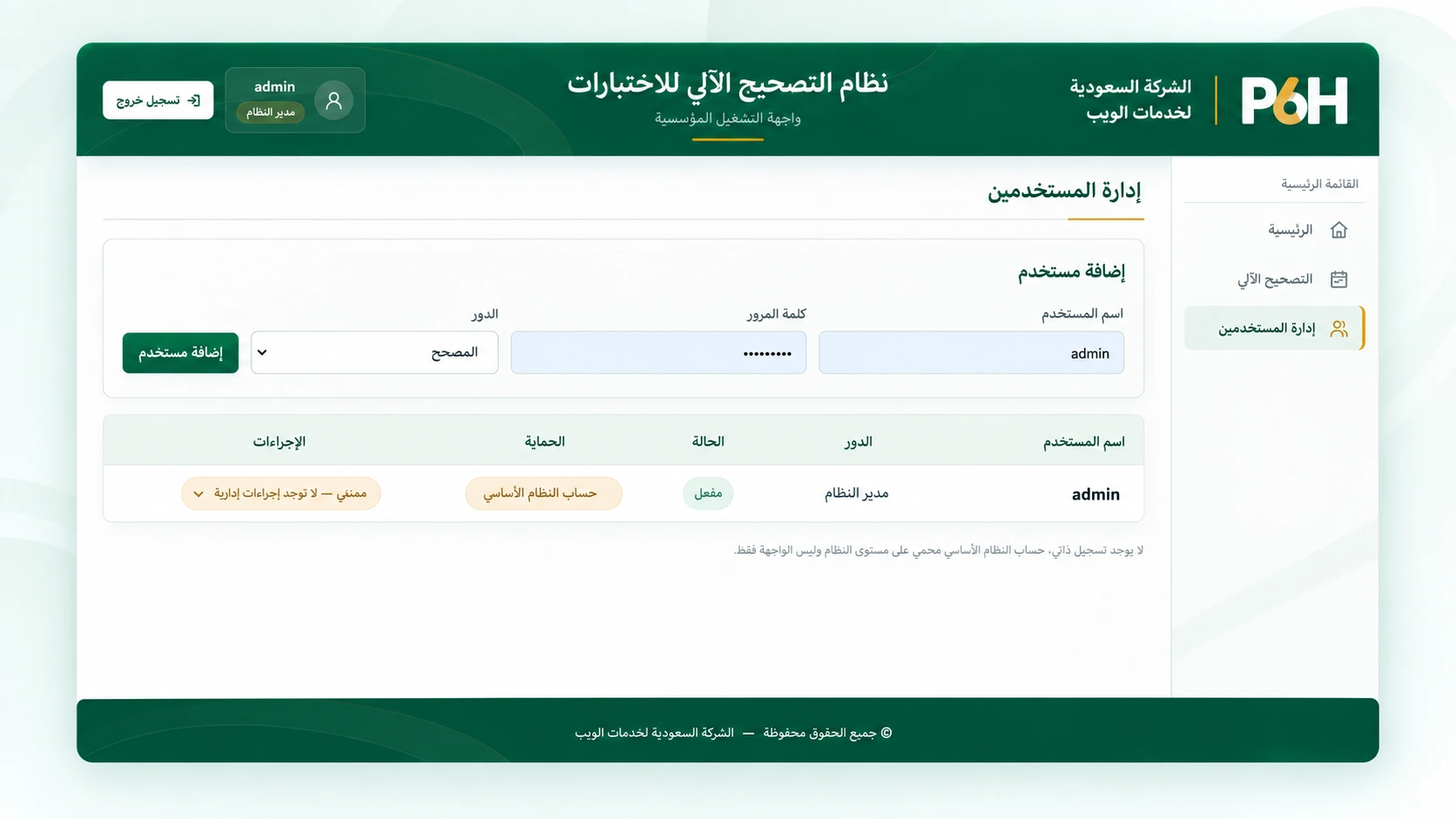
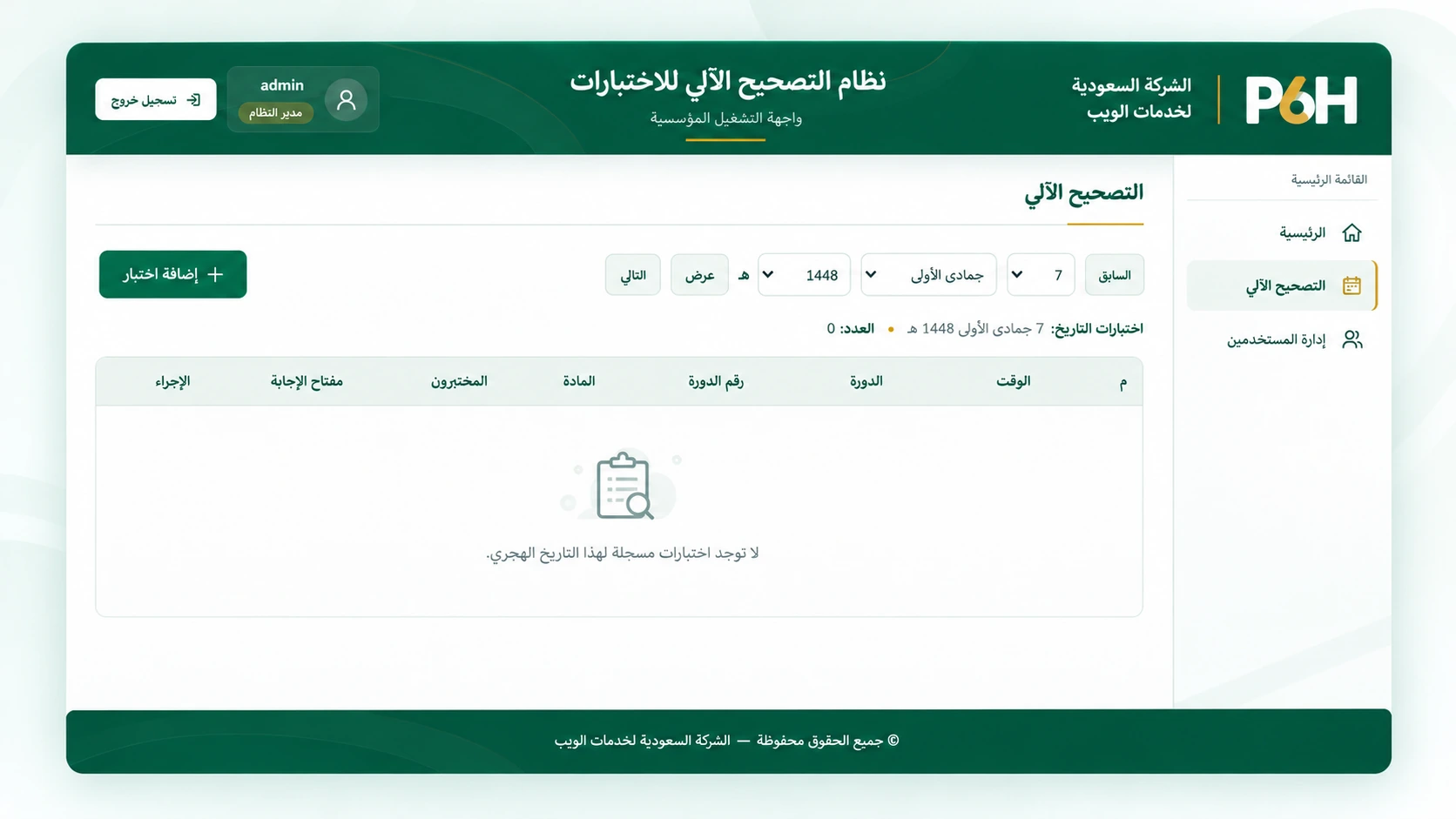
A local solution for grading paper-based exams using Optical Mark Recognition (OMR). It reads approved answer sheets through a compatible scanner, compares responses with an approved answer key, and calculates scores and percentages. An Arabic interface brings together exam setup, candidate lists and result review, with selective rescanning of incomplete sheets and a collective PDF results report.
Enter course, subject and exam date information, and keep a draft to complete setup later.
Import candidate numbers and names from Excel or CSV files.
Prepare and approve true/false and multiple-choice answers before grading.
Recognize marks and candidate identifiers, compare responses with the key and calculate results.
View completed results while identifying sheets that need further processing.
Rescan an incomplete sheet without reprocessing successfully graded sheets.
Produce an organized report with candidate scores, percentages and counts of correct, incorrect and blank answers.
Clean up temporary files from completed or abandoned sessions to reduce processing-file buildup.
We review scanner compatibility and setup requirements with you before an agreement. This description does not guarantee compatibility with every scanner or paper template.
Organizations running paper-based exams with standardized answer sheets, such as training centers and educational institutions. Suitability is reviewed against the exam template and operating procedures before delivery.
Grading relies on a specific answer sheet with approved registration marks and answer positions. It is not intended for arbitrary sheets or essay responses.
Completed results remain available, and the incomplete sheet can be rescanned separately.
Yes. The system provides a collective PDF report with scores, percentages and a grading summary.
The version presented runs locally through a browser on the host computer. An English product page does not imply that the application interface supports English.
The software can be developed and customized with features, reports and integrations required by your organization. Share your requirements so we can assess them and agree on scope, cost and delivery time.
Request development or customization
Support & contact
Choose the best way to get in touch

You have an existing conversation. Continue it or start a new one?
Start a new conversation with this contextI’m the P6H Assistant. I can help you explore our services and products, discuss your project, and connect you with a specialist when needed.
Confirming the details does not verify email ownership or mean P6H has accepted the project.
All times are in Riyadh time
Confirming your project details does not verify email ownership. Verification is required before booking; no account is needed.